

The Symbols catalog
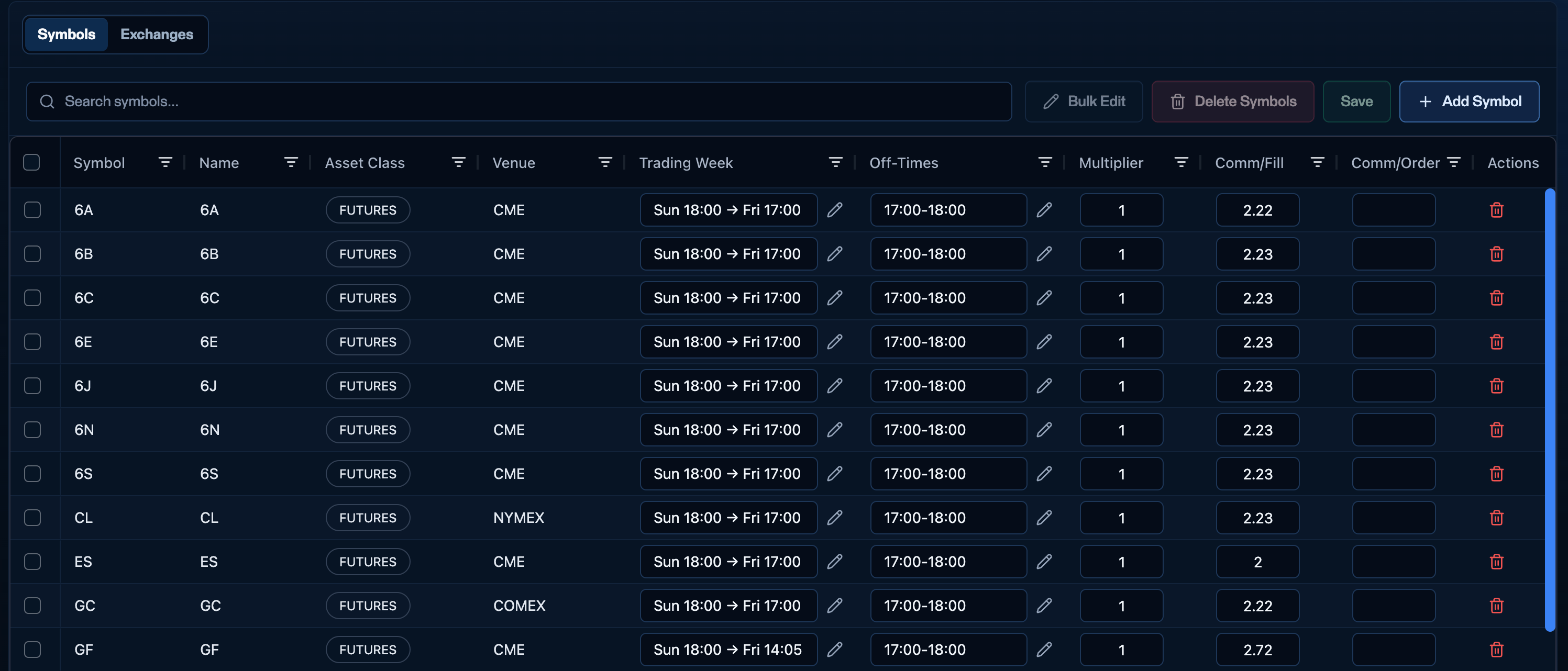
The Symbols catalog - every firm-wide instrument with its trading week, off-times, multiplier, and commissions.
Adding a symbol
Click + Add symbol and fill in its identifiers (Symbol, Name), Asset class, Venue, Trading week, Off-times, Multiplier, Comm/Fill, and Comm/Order. Once saved, the symbol is available firm-wide.Trading week
The Trading week is the overall window when trading opens and closes each week - the top-level schedule you give your traders. Click the pencil to set when the week opens and when it closes (for example, stocks might open Monday 9:30 AM EST and close Friday 4:00 PM EST; CME futures runSun 18:00 → Fri 17:00).
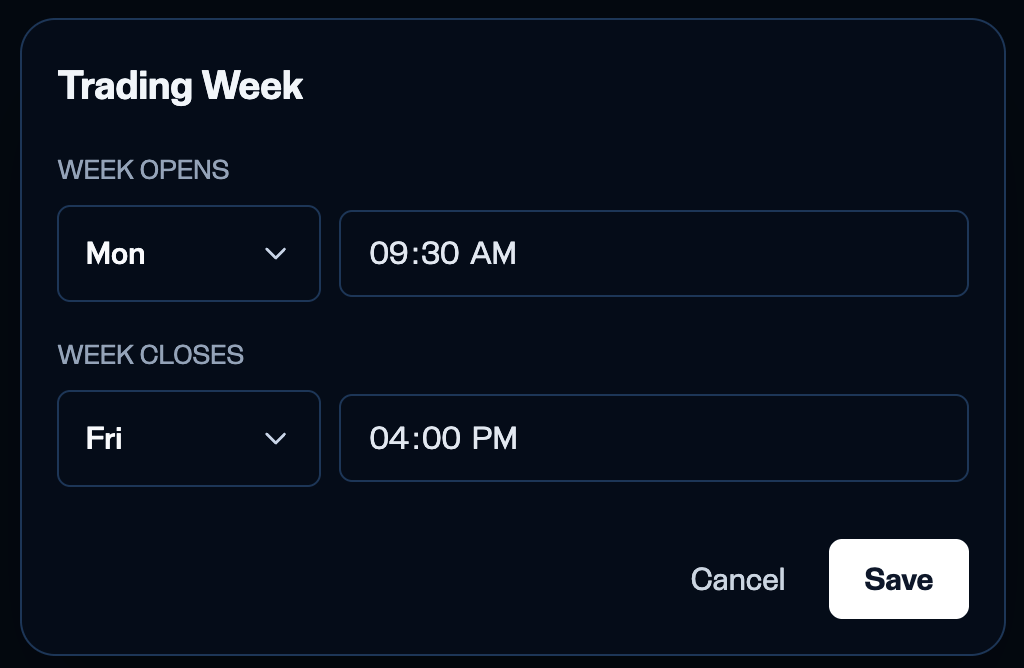
Setting the firm-wide trading week - when the week opens and when it closes.
Off-times
Off-times are recurring windows within the week when a symbol is not tradable (for example a daily17:00–18:00 maintenance break). They are also your operational lever for holidays and early closes - adjust them ahead of the day and verify the next morning.
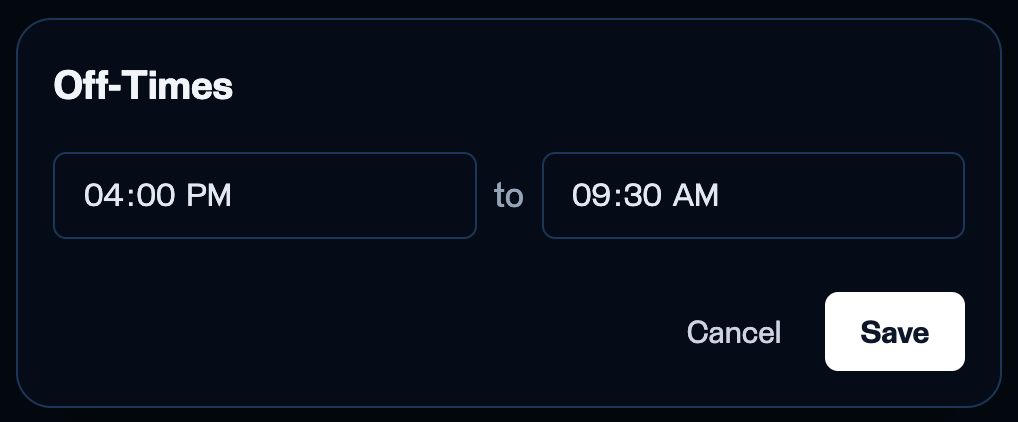
Off-times for an exchange - recurring daily windows when trading is paused.
Field details
Multiplier
Multiplier
Commission per fill (Comm/Fill)
Commission per fill (Comm/Fill)
0.05 charges the trader $0.05 each time a share is filled.Commission per order (Comm/Order)
Commission per order (Comm/Order)
Bulk editing
To change the same field across many symbols at once, select the rows, click Bulk edit, and choose the field (Trading week, Off-times, Multiplier, Comm/Fill, or Comm/Order). As across the platform, the left side shows the setting you are changing and the right side shows the pending changes - a running list of what will be applied. Review it, then click Apply changes.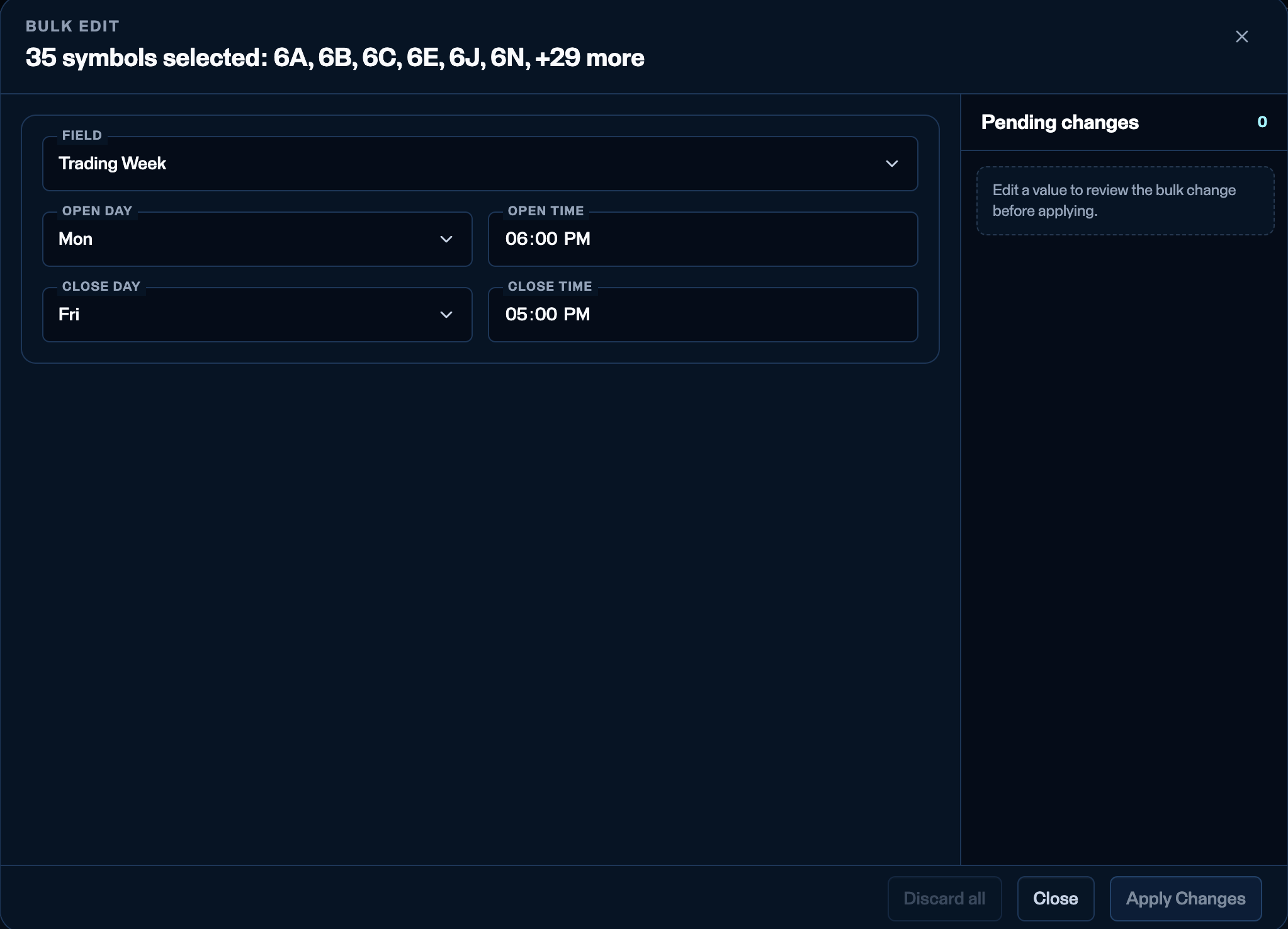
Bulk edit - the change on the left, the pending changes to be applied on the right.
Bulk edit - Off-times
Bulk edit - Off-times
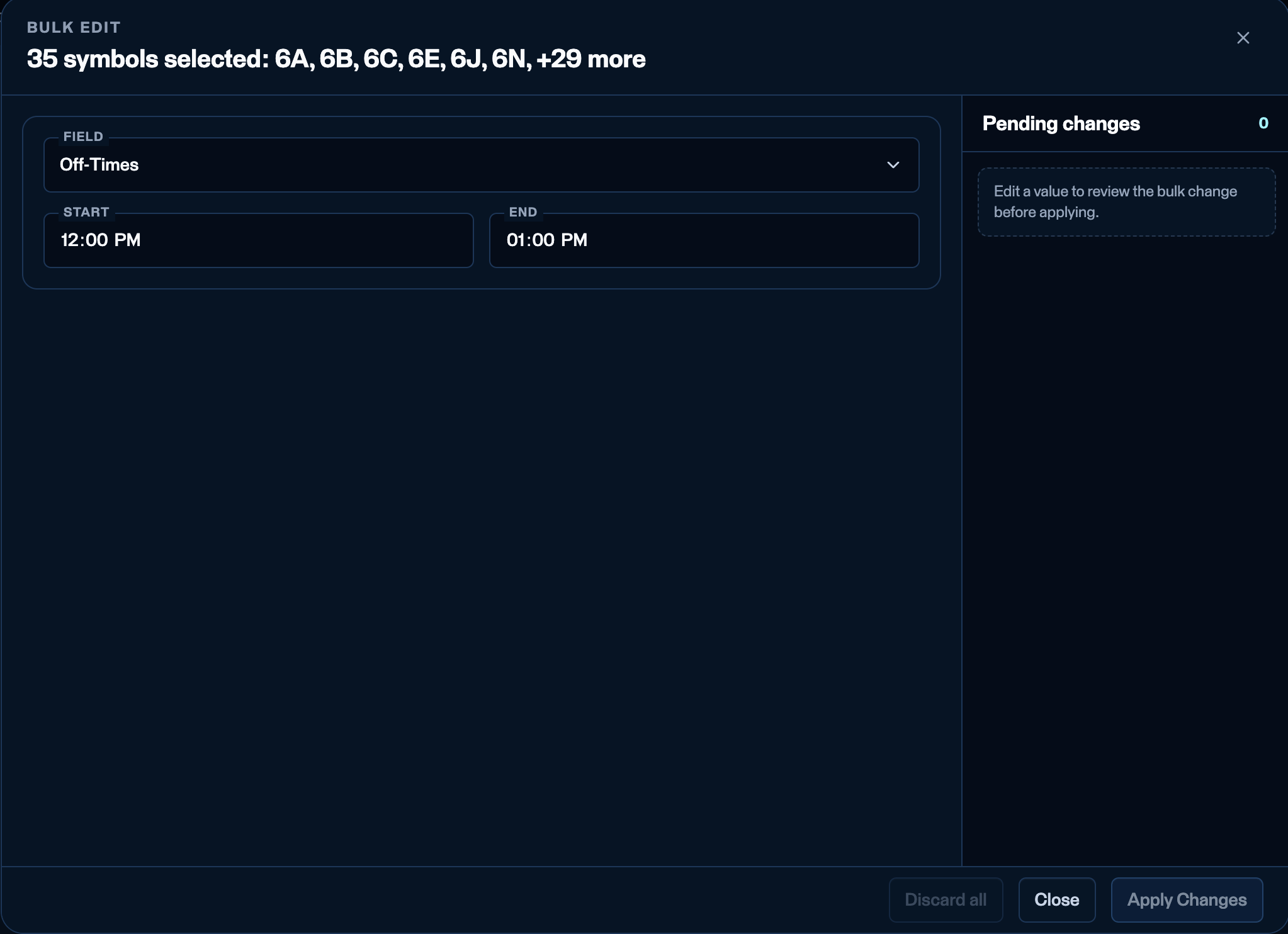
Applying an off-times change across many symbols at once.
Bulk edit - Multiplier
Bulk edit - Multiplier
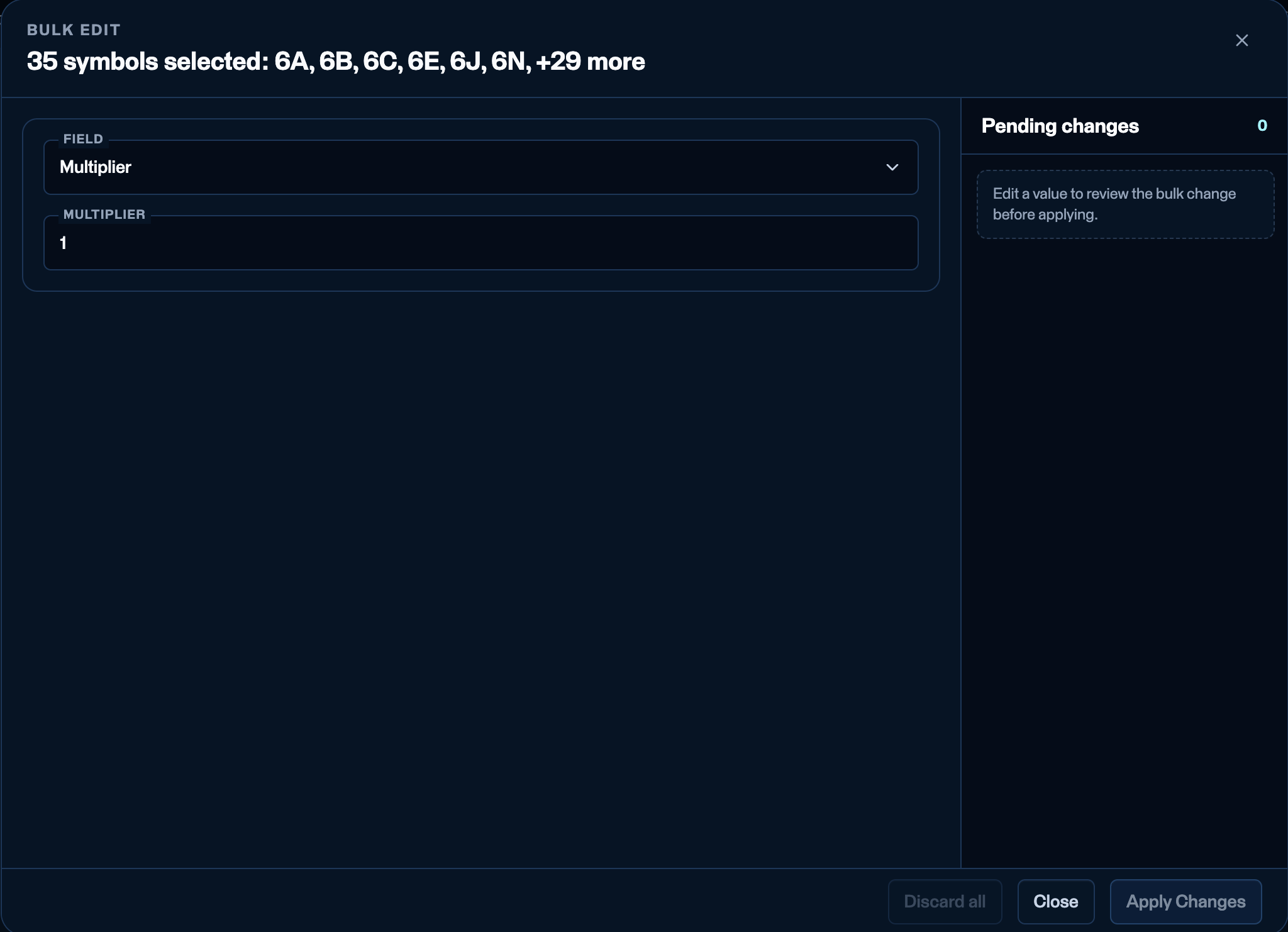
Applying a multiplier change across many symbols at once.
Bulk edit - Commission per fill
Bulk edit - Commission per fill
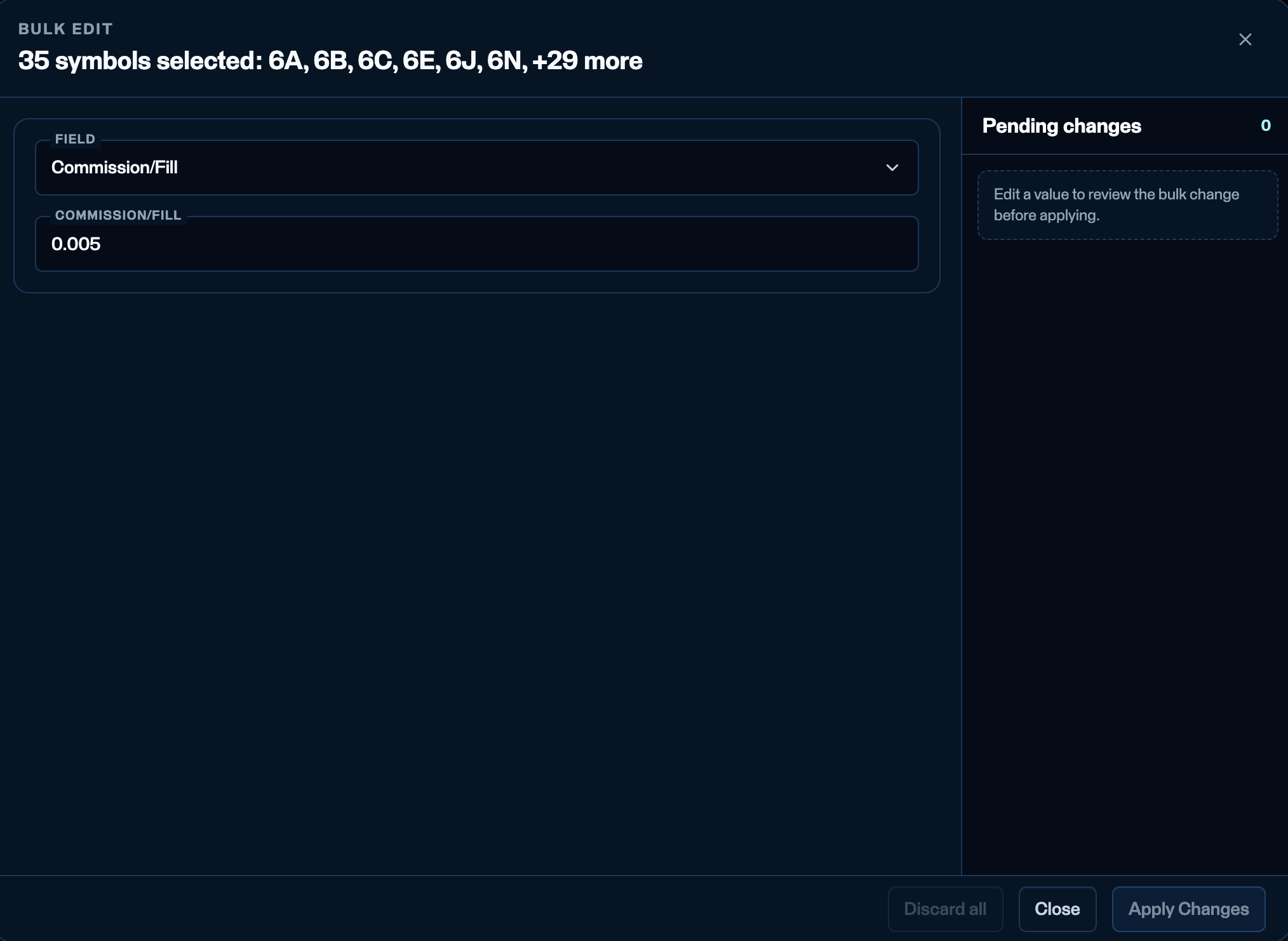
Applying a commission-per-fill change across many symbols at once.
Bulk edit - Commission per order
Bulk edit - Commission per order
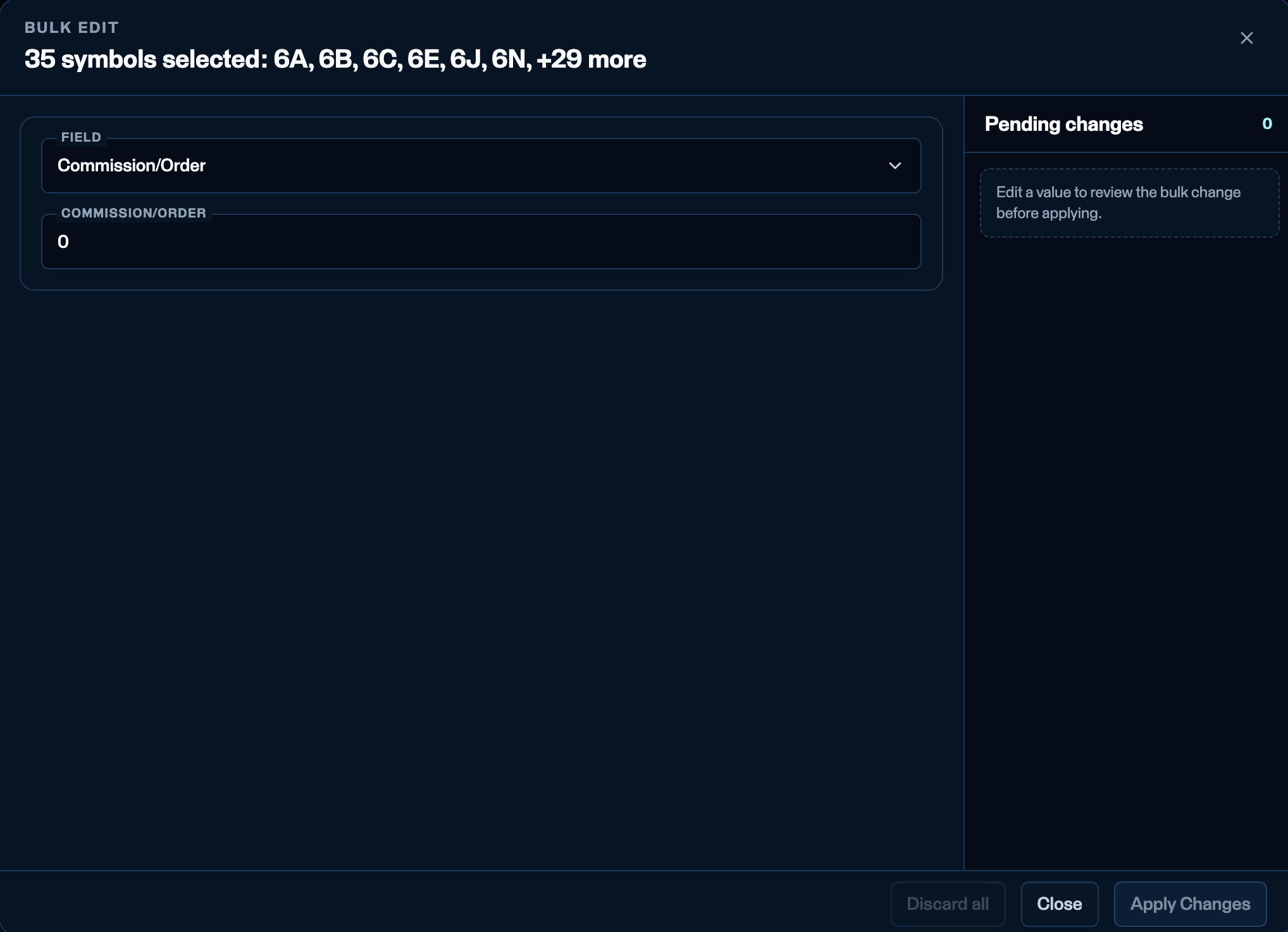
Applying a commission-per-order change across many symbols at once.
Exchanges sub-tab
Switch to the Exchanges sub-tab to enable additional exchanges. Today this is Nasdaq (XNAS) for stock trading - thousands of stocks sit under it.

The Exchanges sub-tab - enable Nasdaq and set its firm-wide trading settings.
- Enabled - a new exchange starts Disabled. Click the Disabled button to enable it.
- Trading week / Off-times - set the exchange’s weekly open/close and off-windows (pencil icons).
- Multiplier - generally
1for Nasdaq. - Comm/Fill - the per-share commission (for example
0.05= $0.05 per share filled). - Comm/Order - per-order commission (most firms leave blank).
- Actions - delete the exchange configuration.