

Where it lives: Sidebar → Tickblaze Manager → Risk Operations.
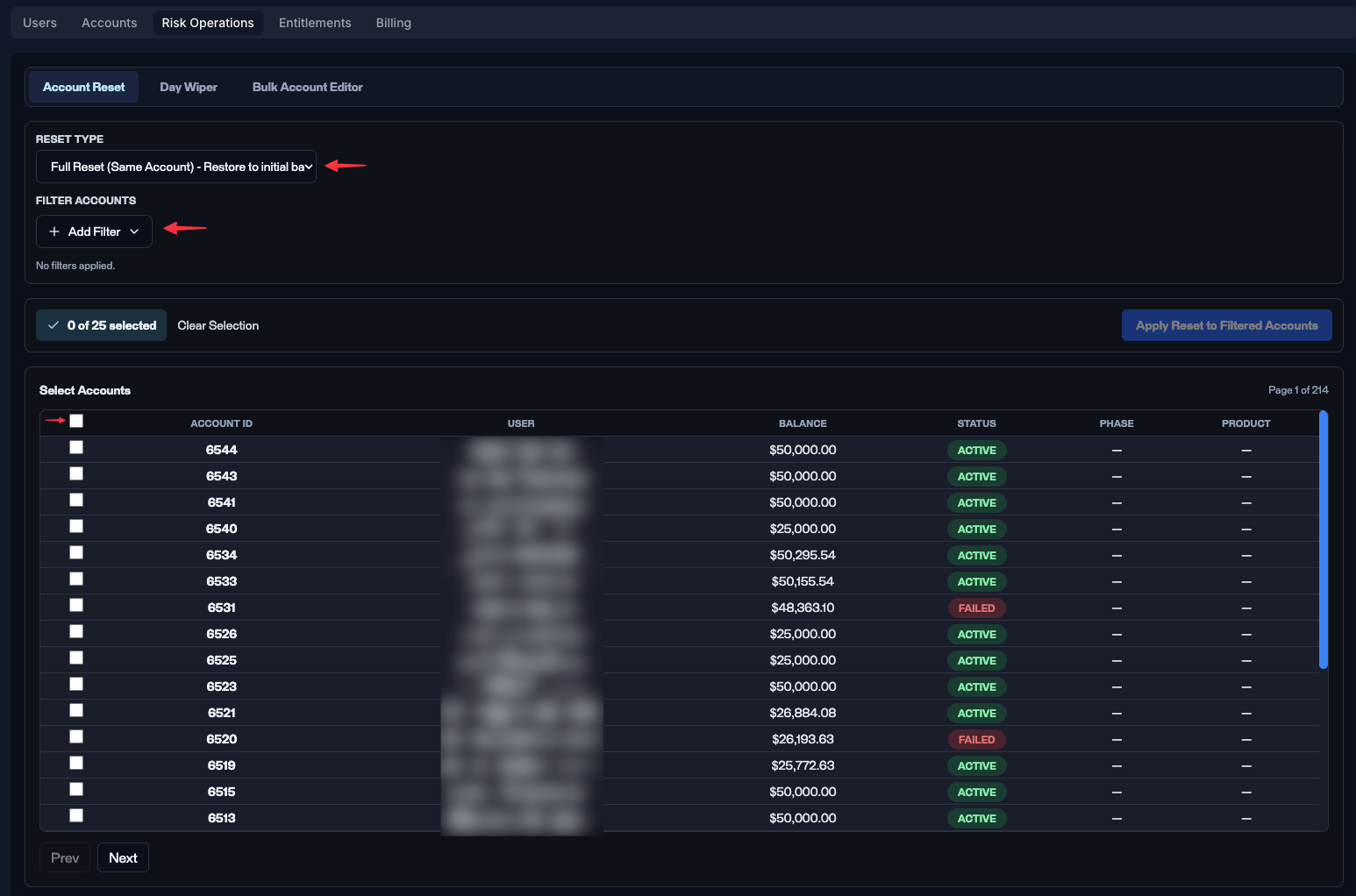
The Risk Operations tab - Account Reset is the default view.
The three tools
Account reset
Restore accounts to their initial or previous end-of-day balance.
Day wiper
Remove a single trading day from selected accounts.
Bulk account editor
Filter accounts and bulk-set status to Active or Failed.
Which tool do I use?
The difference that catches people out is what each tool does to an account’s status:
So if a platform issue wrongly failed a batch of accounts today, Day wiper is usually the right call: it removes only that day and returns each account to the state it held at the previous close, keeping everything the traders legitimately earned before it. A full reset would also clear the failure, but it wipes the account back to its starting balance and throws that history away with it.
Closing positions on a single live account is an Accounts grid action, not a Risk Operations tool. Risk Operations is for filtered, repeatable corrections across many accounts.
Why corrections live here
The Accounts grid is built for one-account inspection and emergency action. Risk Operations is built for filtered, repeatable corrections across many accounts at once - usually after a defined incident or policy decision rather than as a reaction to a live trade.Operational notes
- Restricted - limit access to a small group of ops admins and super admins.
- Check the population before applying - Account reset and the Bulk account editor are filter-driven; Day wiper is driven by the trading day you pick. Either way, confirm the result set matches your intent first.
- Audit trail - every reset, wipe, and status change is logged to Account events on each affected account.
- Off-hours preferred - run resets and wipes outside market hours where possible.